


Security Bench is the kind of security project we want to find more often: useful, technically ambitious and easy enough to put to work without losing an afternoon to setup. We tested the community CLI ourselves. Installation was clean, configuration made sense, and the different run modes were easy to understand. That does not make every result self-proving, nor does it remove the need to understand where its test content comes from. It does make Security Bench a credible addition to an AI development and validation workflow.
Our verdict is positive, with conditions. Use it in development, staging or pre-production. Give it enough compute, keep a close eye on request volume and cost, and treat its fetched test definitions as a trust boundary. If you do those things, Security Bench can help a team ask better questions of both its deployed model endpoint and the project wrapped around it.
What Security Bench is, and what it is not
Security Bench is a Python command-line security testing framework for AI and LLM pipelines, according to its official website and public repository. The official manual divides its work into two complementary modes: endpoint testing and local project auditing. The public package is currently marked Beta at version 0.3.0. PyPI requires Python 3.9 or newer, while the package metadata declares five small direct dependencies: Click, HTTPX, PyYAML, Rich and python-dotenv.
This is not a single score that settles whether a model or application is secure. Endpoint testing records responses for later judgment. Local auditing runs checks across code, configuration and infrastructure. The two modes produce different evidence.
The official sources use slightly different counts. The website lists 327 local checks and 32 attack categories; the manual describes about 330 community tests and 31 endpoint categories; and the README mentions more than 1,400 prompts and 330 local checks. The catalogue can change, so we would not build a buying decision or headline around an exact count. Its breadth and filters matter more.
Setup was refreshingly uneventful
We verified Security Bench in an isolated environment using uv venv and uv pip install securitybench==0.3.0. The sb --version command returned 0.3.0. We also generated the Ollama preset and used an endpoint dry run. Given a base Ollama URL, the CLI normalized it to the expected /api/chat route.
Security tools often make the operator earn the first result through dependency conflicts or opaque configuration. Security Bench did not. We liked how quickly we could install it, configure it and see what would run before sending requests.
The repository documents built-in setup presets for Ollama, OpenAI-compatible services and Anthropic. For less conventional APIs, YAML configuration can define the request format, headers and the response path used to extract the model's answer. That matters because real AI systems rarely stay as a pristine model behind a textbook endpoint. Gateways, RAG layers, agents and custom wrappers alter the security boundary.
Dry-run support deserves a special mention. Before a tool starts feeding an endpoint a large adversarial catalogue, the operator should be able to inspect the target, selected model, categories, severity and request limit. Security Bench provides that pause. Use it.
Endpoint testing: flexible, but plan the run
The endpoint command is sb scan. A quick limit can provide a smoke test. Balanced mode samples per category, while --per-category can deepen coverage. Category and severity filters help narrow the work; --delay supports rate-limit planning; custom headers handle authentication or gateway requirements. Output can be text, JSON or Markdown, and results can be saved. The current CLI also writes saved results incrementally after each test, which is a sensible safeguard for long runs.
The implementation reviewed at commit ef5e05c26f14e464d0ccde9bf243f8a675afa20f runs endpoint tests sequentially. That avoids an uncontrolled burst of concurrent requests, but balanced or thorough runs can still generate many inference calls. Each request consumes time, model-serving capacity and, for a paid external API, money. Multi-turn tests can add more work than a simple request count suggests.
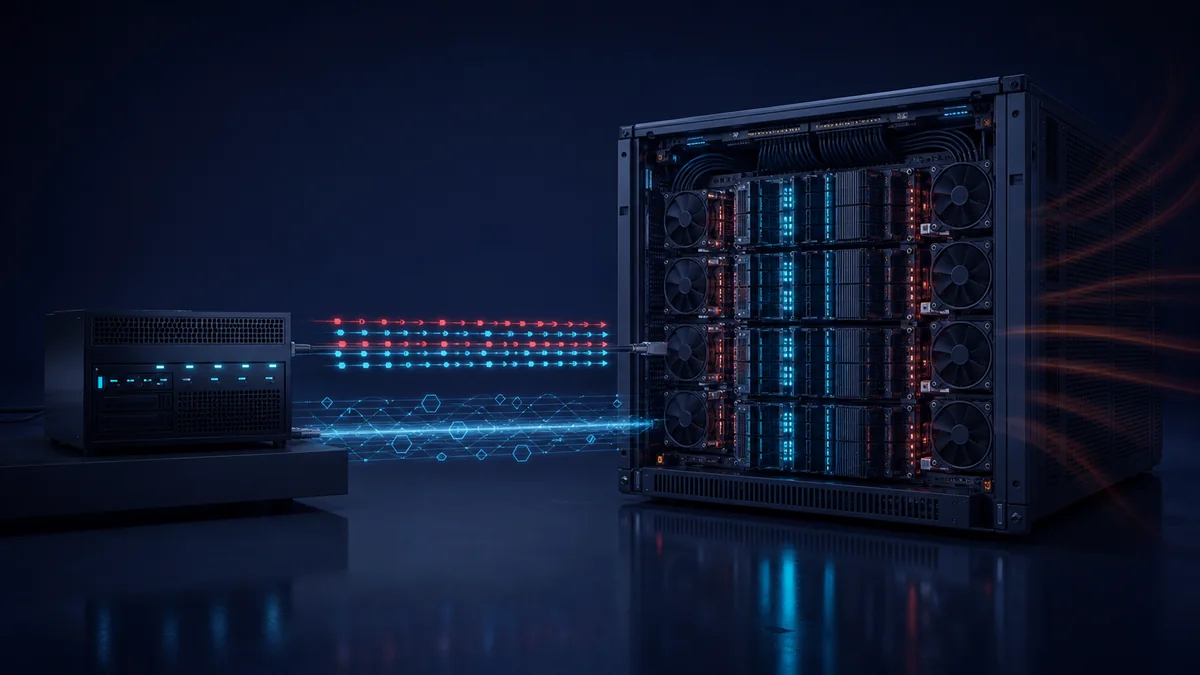
Our practical recommendation is to avoid hosting Security Bench and the model endpoint on the same machine when possible. Separation makes resource contention easier to see and reduces the chance that the test harness distorts the behaviour of the system under test. If one machine must do both jobs, budget CPU, memory and storage for the CLI and enough model-serving or accelerator capacity for the endpoint. Watch utilisation and latency during the run rather than assuming a completed scan was a representative scan.
Start with a dry run, a low limit and selected categories. Confirm authentication, response parsing, rate limits and result storage. For a third-party API, estimate cost before pressing Enter. For an internal service, coordinate with its owner so the test is not mistaken for an incident or allowed to disrupt other work.
The CLI collects evidence; judgment remains external
The manual and repository show that the community CLI stores endpoint results with passed: null. Each item contains the attack prompt, endpoint response and criteria for deciding whether the attack was blocked or succeeded. Security Bench does not itself issue the final semantic pass/fail verdict in this workflow; its documentation directs the user to have Claude or another LLM apply the included criteria.
That distinction matters. An LLM-as-judge step is an assessment layer, not ground truth. The judge model, instructions and review process can affect the outcome. Teams should preserve raw responses, record which judge and prompt were used, sample the decisions manually and investigate consequential failures rather than turning the first generated score into a board metric.
A consistent prompt set, captured responses and explicit criteria can support regression testing and focused retesting after defensive changes. The honest description is “structured adversarial testing with external semantic review,” not “automatic proof that the AI is safe.”
Local auditing covers the project around the model
The second mode looks inward. sb audit runs the full local review, while sb infra, sb code and sb config narrow the scope. The checks cover patterns in container and Kubernetes files, permissions, source code, prompt construction, output handling, secrets, logging and CORS. sb fix then presents remediation guidance for reported issues.
This mode counters a common mistake: concentrating on jailbreaks while ignoring ordinary weaknesses around the model. The OWASP Top 10 for LLM Applications includes prompt injection, sensitive information disclosure, supply-chain risk, excessive agency and unbounded consumption. Security Bench maps endpoint tests and local checks to that OWASP model. No CLI can certify those problems away, but reviewing endpoint behaviour and implementation artefacts is more useful than treating the base model as the whole product.
For teams already running vulnerability management, Security Bench fits best as another source of findings and regression evidence. It does not replace asset inventory, dependency analysis, penetration testing, threat modelling or human review. It can, however, expose items worth feeding into the same ownership and remediation process.
A sober trust boundary
The manual and source show that Security Bench downloads endpoint tests and local check definitions from https://api.securitybench.ai and caches them under ~/.securitybench/cache. That design allows the catalogue to evolve without requiring a package release for every content update. It also means the code installed from PyPI is not the only input that determines what a run will do.
The local-audit path deserves particular care. In the public code at commit ef5e05c26f14e464d0ccde9bf243f8a675afa20f, command-based checks can execute API-provided command patterns with shell=True inside the scanned project directory. This is not a claim that the service is malicious. It is a clear execution boundary that operators should understand before pointing the tool at valuable source trees or developer workstations.
Pin and review the package, understand the provenance of fetched checks, inspect cached definitions where risk warrants it, and run local audits in an isolated environment when practical. Use a disposable clone or container with minimal permissions and no secrets. The README links to documentation files absent at the reviewed commit, so consult the manual and website alongside the code.
Security Bench uses the Elastic License 2.0. Its source is publicly available and reusable within ELv2's restrictions, including a restriction on offering the software as a hosted or managed service. As the Elastic licensing FAQ explains, ELv2 is source-available, not an OSI-approved open-source licence. That legal accuracy does not diminish the value of building security software in public; it simply uses the right label.
Where it belongs in the SDLC
Security Bench is most convincing as a development and release-validation tool. Run focused local audits while code and configuration are changing. Exercise an integration endpoint in a development environment. Use a more representative suite in staging or pre-production after authentication, RAG, tools, guardrails and observability resemble the intended deployment.
Production testing requires more care. Do not point an adversarial suite at a live service casually. Obtain explicit authorisation, define scope and timing, plan rate limits and spend, protect customer data, alert operations and agree on stop conditions. A test that exhausts capacity or triggers downstream tools is still an operational event.
For organisations developing AI-enabled services, our AI and automation work follows the same principle: validation should cover the system that actually makes decisions, calls tools and handles data. Security Bench can contribute useful evidence at that stage. Enclave Guard would treat its output as input to engineering judgment, not as a certificate.
A project worth enjoying, and improving carefully
We genuinely enjoyed testing Security Bench. The official manual credits Mikko Niemela as its builder. He has put together a project with a rare combination of ambition and approachability. The installation is light, the modes are coherent, and the tool encourages teams to look at both adversarial model behaviour and the less glamorous files that often decide whether a system is secure.
The praise extends beyond one developer. People who publish useful security tools and test material help small teams operationalise good ideas. Public source lets practitioners inspect assumptions, spot risky boundaries and contribute criticism that makes the work better. The developers who do this work are the quiet heroes of the security ecosystem: they turn research and hard-won lessons into tools other teams can actually use.
Our recommendation is to try Security Bench in an isolated non-production environment, begin with a dry run and read the saved evidence before chasing a score. Enjoy the project, thank the builder, and keep your professional scepticism switched on. That is not faint praise. It is how good security software earns a lasting place in the toolbox.
Building an AI-enabled service? Enclave Guard can help review the architecture, controls and validation plan before production.
